Why offset printing is different
Offset printing is a commercial print process built for quality, consistency, and scale. Instead of printing directly from a desktop file to a sheet, the artwork is transferred to printing plates, then to rubber blankets, and finally onto paper. The image is "offset" before it reaches the finished sheet.
This extra setup is why offset printing can take longer to prepare than a short digital run. It is also why the process can produce sharp type, smooth color, consistent solids, and strong unit economics once the press is running.
How offset printing works
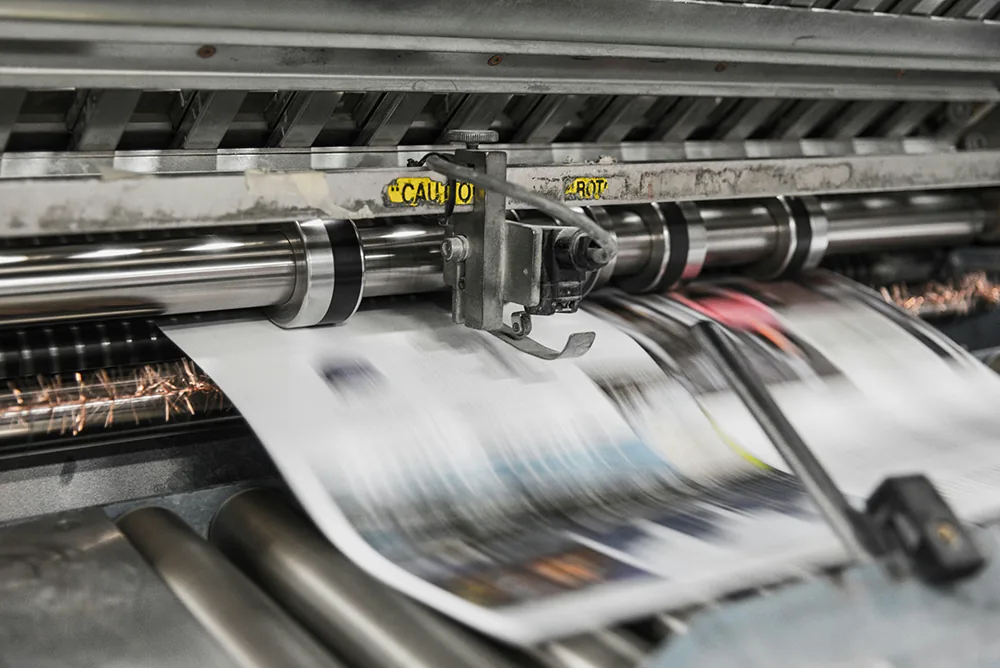
Modern offset printing is based on the principle that oil and water do not mix. Image areas on the plate accept ink, while non-image areas repel ink. The inked image transfers from the plate to a rubber blanket. The blanket then transfers the image to the paper as sheets pass through the press.
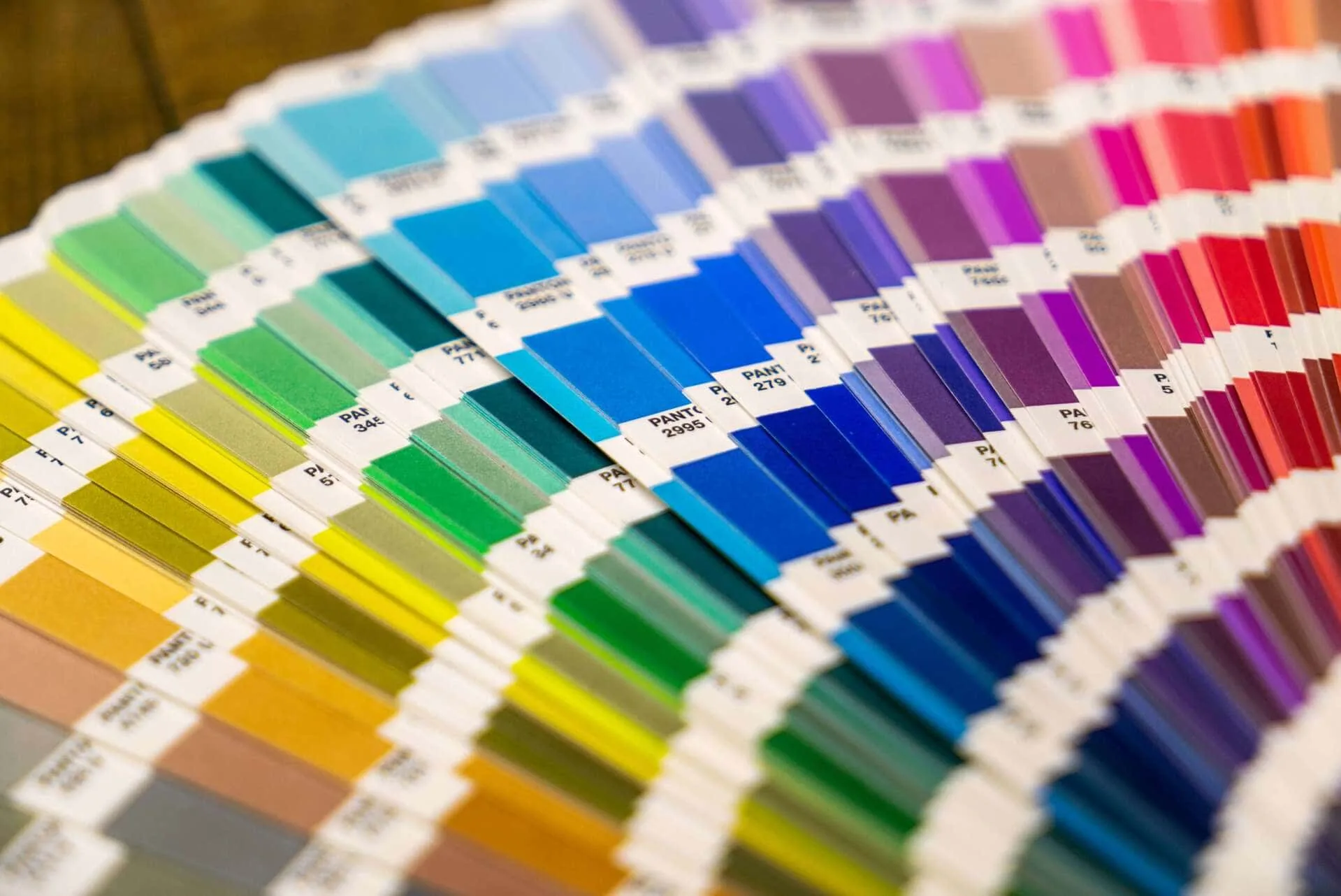
Most full-color offset jobs use CMYK: cyan, magenta, yellow, and black. Each color has its own plate and press unit. As the sheet moves through the press, the colors build the final image. Some jobs also use Pantone spot colors, metallic inks, varnishes, or coatings when the design needs tighter brand color control or a specialty finish.
Why offset printing can look so good
Offset presses are designed for repeatable, high-quality output. Once the plates, ink, water balance, paper, and registration are dialed in, the press can hold consistent results across a long run. That makes offset a strong fit for brand-critical projects where color, type, photography, and finishing all need to look polished.
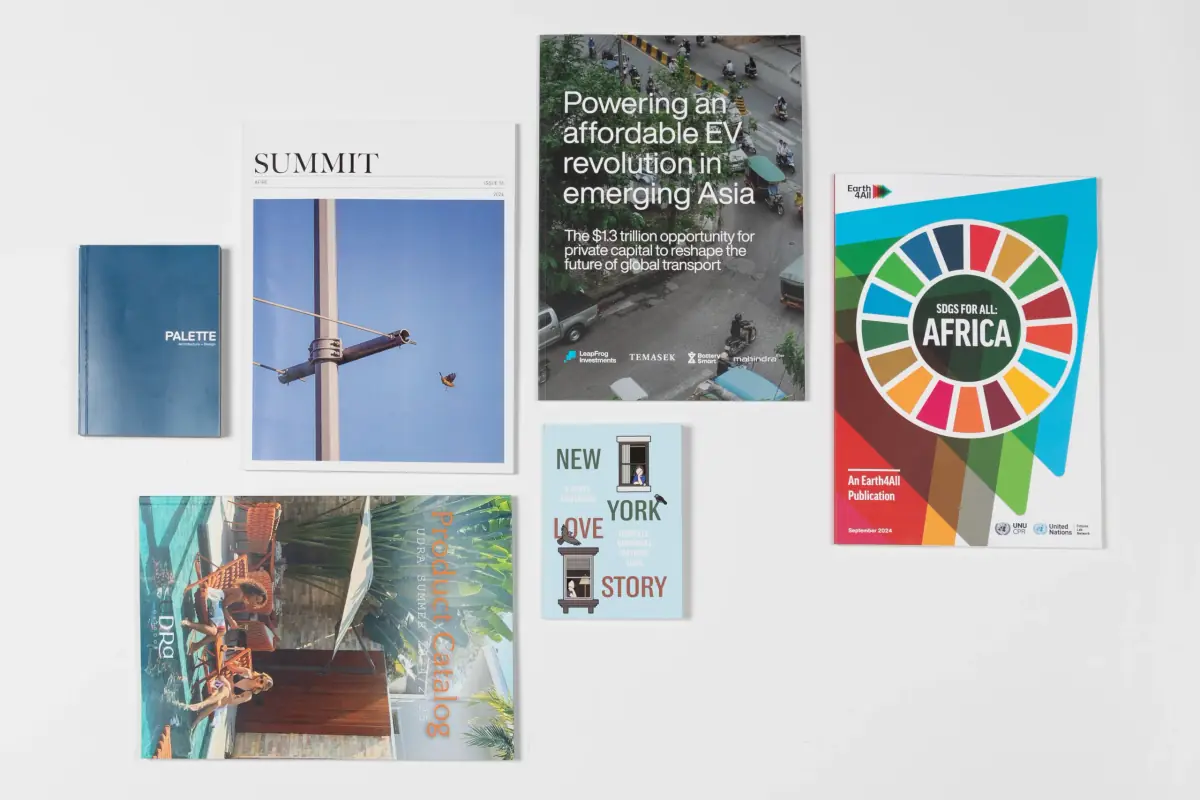
Offset also gives production teams more control over paper, ink, coatings, and specialty finishes. A printed catalog, magazine, annual report, book, or brochure can be matched to the right stock and finish rather than forced through a generic process.
Offset printing vs. digital printing
Digital printing is often the better choice for short runs, variable data, fast samples, and jobs that need minimal setup. Offset printing is often the better choice when quantity, consistency, paper choice, color control, or unit cost matter more than the fastest possible start.
The break-even point depends on the product, page count, size, paper, color, finishing, and schedule. A small postcard run may stay digital, while a large catalog, magazine, or book run may become more economical on offset. The right answer comes from quoting the real specs, not guessing from quantity alone.
When offset is worth the setup
Offset becomes more attractive when the setup cost is spread across enough pieces, or when the job needs a level of consistency that matters more than the fastest possible start. A catalog that will be handed to buyers for months, a brand-critical direct mail run, or a magazine with photography and repeat colors may benefit from the control offset gives the press team.
It can also be the stronger path when the project needs a specific stock, Pantone ink, coating, varnish, specialty finish, or larger sheet size. Those requirements should be discussed before the file is locked, because they can affect imposition, drying time, proofing, and finishing order.
For uncertain jobs, it is common to compare both paths. A short digital proof or sample can help validate layout and content, while the final production run may shift to offset once quantity, color expectations, and finishing are confirmed.
How offset affects turnaround time
Offset printing has more setup steps than digital printing. Files need prepress review, plates need to be made, paper needs to be prepared, the press needs to be set up, and color needs to be checked as the job comes up to standard. That preparation adds time before the run begins.
Once the press is ready, offset can produce large quantities efficiently. The schedule still depends on proofing, paper availability, drying time, finishing, binding, packing, and shipping. Coatings, folds, die cuts, foil stamping, embossing, and complex binding can all add production steps after the sheets are printed.
What can slow an offset job down?
The most common delays happen before ink reaches paper. Missing fonts, low-resolution images, unclear bleed, incomplete page counts, late paper changes, unapproved proofs, and unclear specialty-finish layers can all pause prepress. For bound products, page count, spine width, cover setup, and binding style should be confirmed early because each one affects production planning.
Paper availability can also affect schedule. A standard coated or uncoated sheet may be easy to source, while a specialty stock, unusual weight, colored sheet, or specific recycled-content requirement may need more lead time. If the piece has a firm event, mail date, or launch window, share that date before finalizing paper and finish choices.
Proofing and press checks
Offset proofing is where many quality decisions get confirmed. A digital proof is useful for content, trim, page order, and layout. A hard proof or press check may be appropriate when color, paper feel, photography, or specialty finishing needs closer review. The right proofing path depends on how critical the piece is and how much production risk the team is trying to remove before the full run.
During make-ready, the press team checks registration, color balance, ink density, paper behavior, and overall appearance. That setup time is part of what makes offset different from quick digital output, but it is also what helps a long run stay consistent from the first approved sheets through the rest of the job.
Projects that often fit offset printing
- Books, booklets, manuals, and perfect-bound publications
- Catalogs, magazines, lookbooks, and annual reports
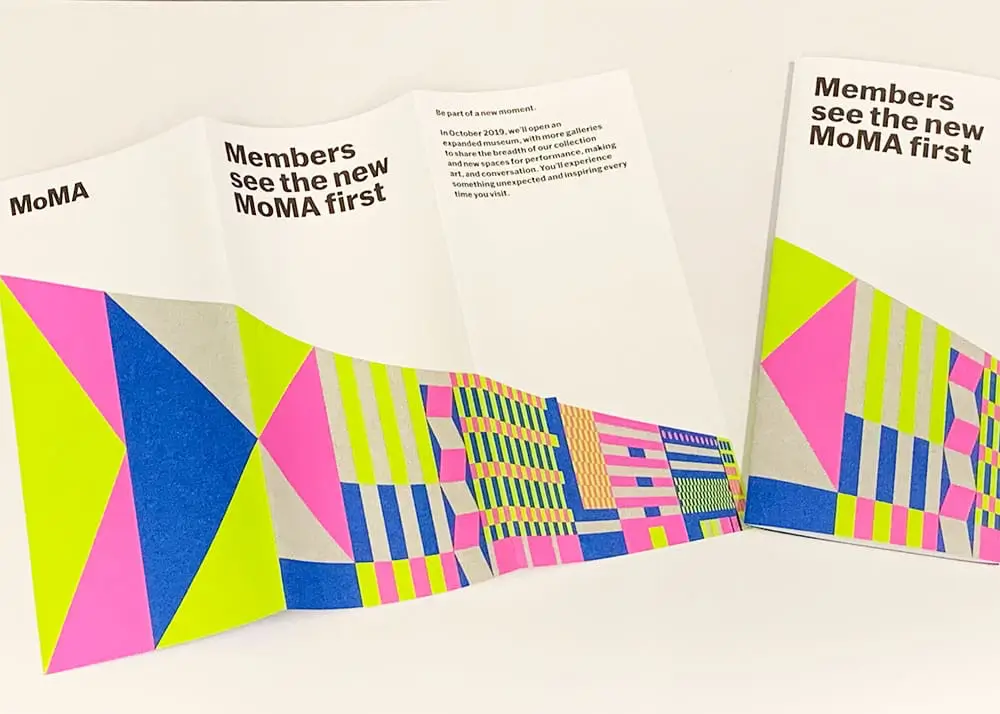
- Brochures, flyers, postcards, and direct mail at higher quantities
- Newsprint, inserts, and other publication-style pieces
- Brand systems that need consistent color across repeat print runs
File setup for offset printing
Offset jobs should be prepared as print-ready PDFs with correct trim size, bleed, embedded fonts, high-resolution images, and the right color setup. If the job uses Pantone colors, coatings, varnishes, foil, die cuts, or other specialty layers, those elements should be named clearly and separated from the main CMYK artwork.
For books, catalogs, and magazines, export interior files as single pages unless the printer requests a different setup. Covers, folds, inserts, and specialty finishes may need separate files or production notes.
What to confirm before quoting offset
- Finished size, page count, and quantity
- Paper stock, cover stock, coating, and finish
- Color setup: CMYK, black only, Pantone spot color, or mixed process
- Binding, folding, die cutting, foil, embossing, or mailing requirements
- Proofing needs, delivery deadline, and shipping plan
Talk through the best production path
Offset printing can be the right choice when quality, consistency, and quantity matter. It is not automatically the right answer for every job, so the best next step is to compare the specs, timeline, and budget. Reach out to Thomas Group Printing with your project details, and our team can help decide whether offset, digital, or a mixed production plan will produce the strongest result.