Understanding printing terms is one of the fastest ways to streamline your print projects and get the results you expect. In commercial printing, even a small miscommunication can affect timelines, color accuracy, or overall quality. This guide explains the most common printing terms so you can speak the same language as your printer.
Whether you’re preparing a high-end catalog, a marketing brochure, or a specialty packaging run, knowing these terms will help you set up files correctly, make informed material choices, and communicate effectively with your printer.
Commercial Printing Terms: Color
Color choices and accuracy have a direct impact on the look and effectiveness of your printed piece. Knowing these terms will help you set up files correctly, avoid unwanted color shifts, and keep your branding consistent across every print run.
CMYK: Stands for Cyan, Magenta, Yellow, and Black (Key). These four inks are used in most professional printing. Each ink is applied separately and layered to create a wide range of colors with precision and detail.
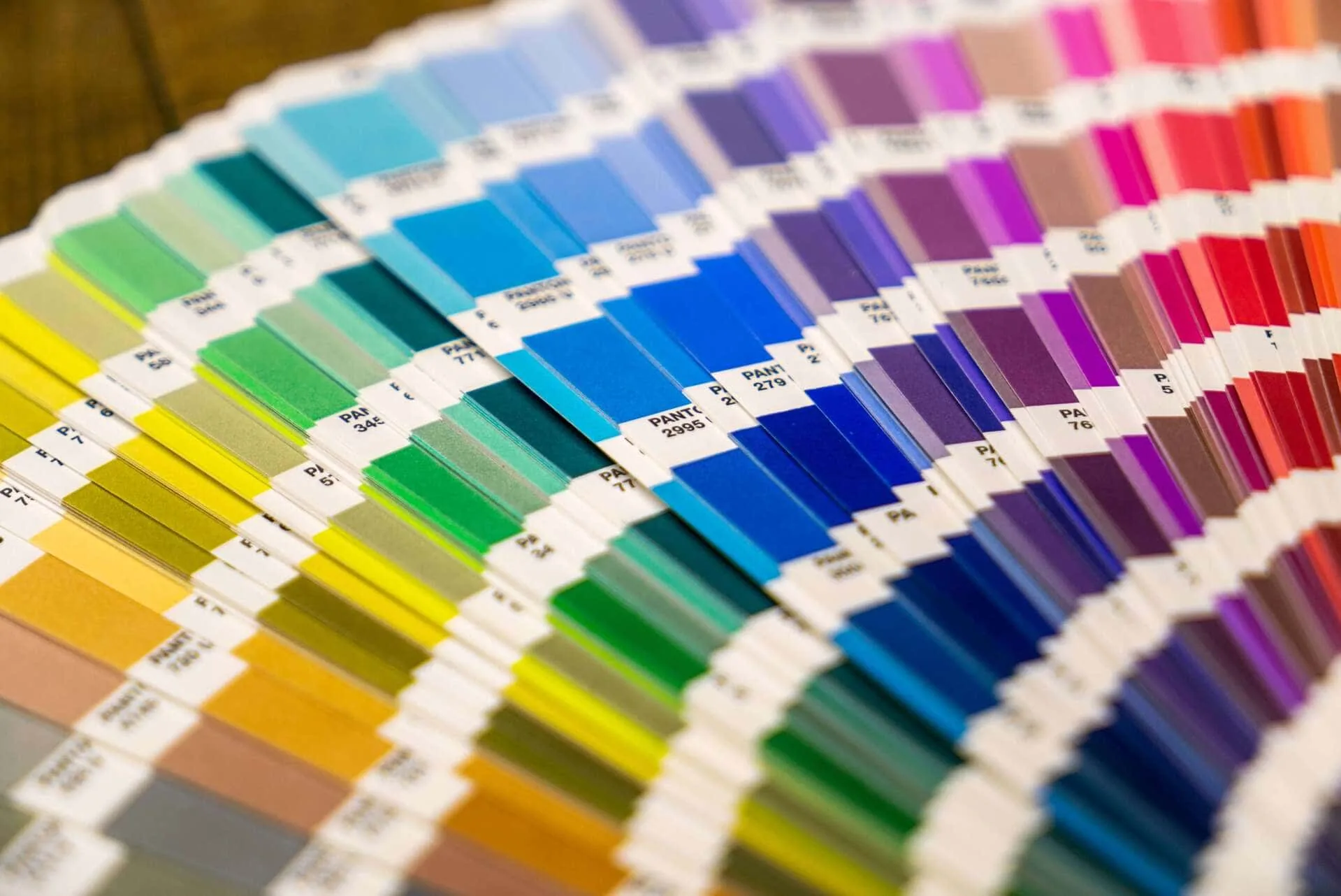
Color Matching: The process of adjusting colors in the artwork to match a desired standard, such as a Pantone reference or a proof.
Gamut: The complete range of colors that can be produced in a given color space. The CMYK gamut is smaller than RGB, which is why some digital colors cannot be perfectly replicated in print.
Pantone (PMS): A standardized color matching system that assigns specific codes to colors for consistent reproduction across different printers, materials, and print runs.
Pure Black: Black created with 100% Key (Black) ink only. Recommended for crisp, sharp text and fine lines.
Registration: The alignment of the CMYK plates (and any spot colors) during printing. Poor registration can cause blurry edges or color shadows.
Registration Black: A color made from 100% of each process ink (CMYK) used by printers for alignment and calibration marks. Not intended for design elements.
RGB: Stands for Red, Green, Blue – the color model used for digital displays. Files in RGB must be converted to CMYK before printing to prevent color shifts.
Rich Black: A deep black made by combining black ink with other CMYK inks (for example, 60C, 40M, 40Y, 100K). While it can produce a warmer or richer black for large areas, it requires more ink and longer drying time.
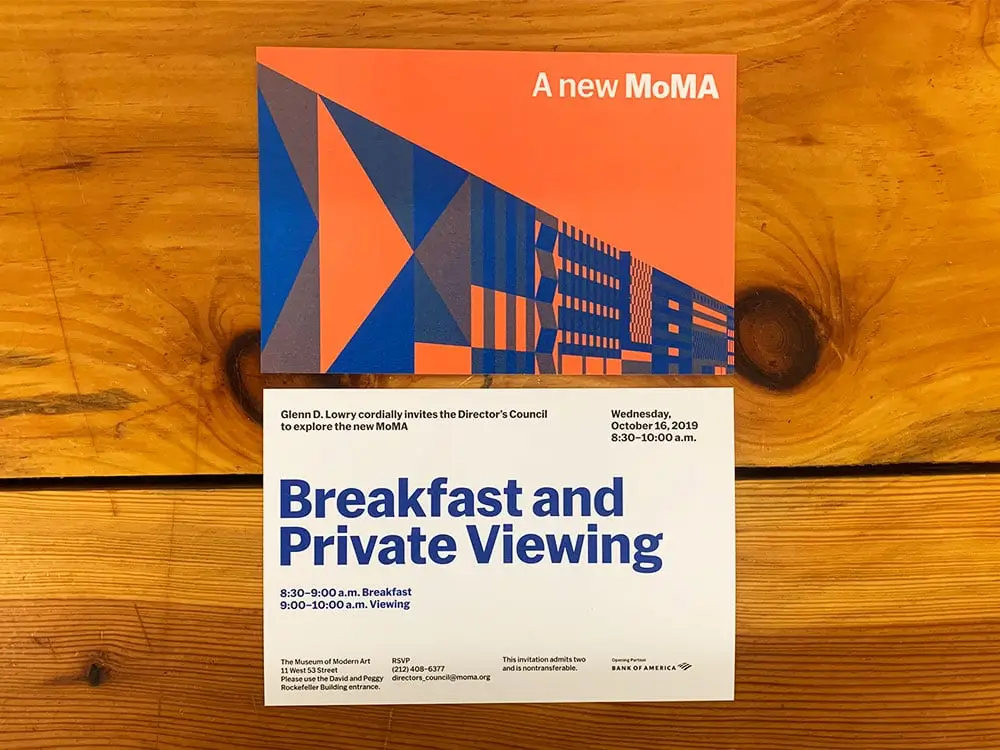
Spot Colors: Pre-mixed inks – like Pantone colors – used in addition to or instead of CMYK to achieve exact matches. Each spot color requires its own printing plate.
Four Color Process Vs Spot Printing
Commercial Printing Terms: Paper
Paper selection influences how your project feels in the hand, how colors appear, and even how durable the finished piece will be. Understanding these options helps you choose materials that align with your design goals and budget.
Caliper: The thickness of a single sheet of paper, measured in thousandths of an inch (mils).
Coated Paper: Paper with a surface coating that improves smoothness and print sharpness. Coatings can be gloss, satin, or matte.
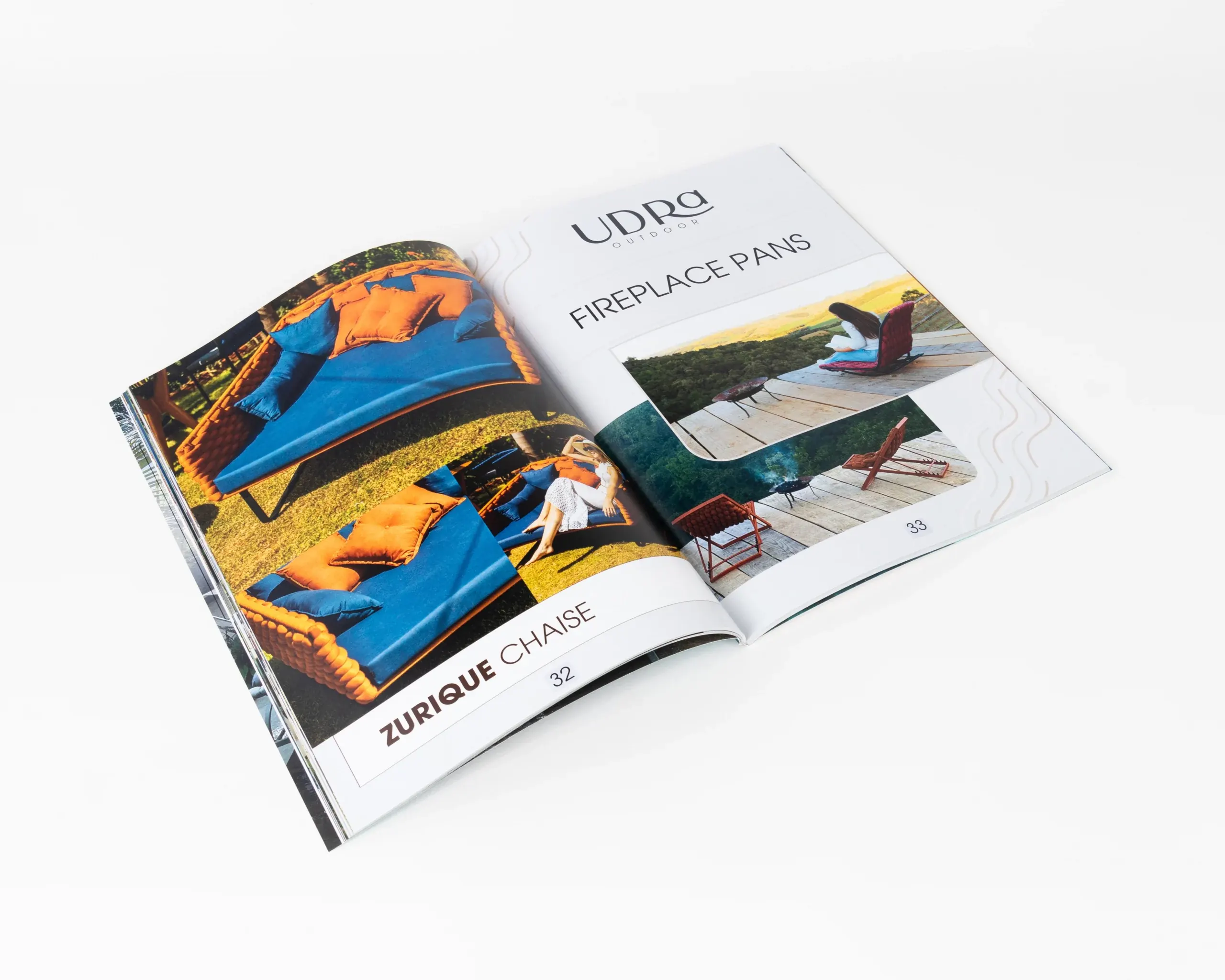
Cover Stock: Heavier paper often used for covers, postcards, and packaging..
FSC® Certified Paper: Paper that has been sourced from responsibly managed forests, verified by the Forest Stewardship Council. This certification confirms that the paper meets strict environmental and social standards, supporting sustainable forestry practices.
Offset Paper: Uncoated paper commonly used in offset printing, designed for good ink absorption.
Recycled Paper: Paper containing a percentage of fiber from post-consumer or pre-consumer waste, often indicated on the specification sheet.
Stock: The type of paper or substrate used for printing, varying in weight, finish, color, and texture.
Text Stock: Lighter-weight paper typically used for the interior pages of books, brochures, and flyers.
Uncoated Paper: Paper without a surface coating, offering a softer, more natural feel and slightly muted print colors.
Commercial Printing Terms: Prepress and Design
Prepress is the stage where your digital design becomes a print-ready file. Knowing these concepts helps your artwork print as intended and move smoothly into production without costly revisions or delays.
Artwork: The final design files provided to the printer for production. Artwork should be prepared to the correct size, include bleed, and be in the proper color mode for print.
Bleed: The portion of the artwork that extends beyond the trim edge, ensuring that the design prints to the edge after trimming.
Crop Marks: Small lines added to artwork to indicate the final trim size. They guide cutting and are often used alongside bleed.
DPI (Dots Per Inch): A measure of print resolution that indicates how many ink dots a printer can place in a one-inch space. Commercial printing typically requires 300 DPI for clear, sharp output.
File Format: The type of file used to submit artwork. Common formats for print include PDF, AI, and EPS.
Font Embedding: Including font data within the file so text displays and prints correctly, even if the printer does not have the font installed.
InDesign: Adobe Creative Cloud software widely used for page layout and desktop publishing. It is an industry standard for preparing multi-page documents for print.
Pixelation: A visible blocky appearance in images caused by insufficient resolution, where individual pixels become noticeable.
PPI (Pixels Per Inch): A measure of image resolution in digital files. Higher PPI means more image detail; for print, artwork should be prepared at 300 PPI.
Preflight: The process of checking a file for potential issues before printing, such as missing fonts, low-resolution images, or incorrect color modes.
(Soft) Proof: A digital version of your project used to review layout, text, and general appearance before printing. Also called a digital proof, it is viewed on a monitor and is best for checking design elements and content accuracy. While convenient and fast, soft proofs cannot perfectly represent color, as monitors display color differently than printed materials.
(Hard) Proof: A physical sample of your project printed on the actual stock, using the intended printing method. Hard proofs allow you to review color, paper feel, image sharpness, and finishing before committing to a full run. They are especially useful for color-critical projects or when working with specialty materials and finishes.
Raster Image: An image composed of pixels, such as a photograph or a design made in Adobe Photoshop. Raster images lose quality when scaled beyond their original resolution.
Resolution: The amount of detail in an image, expressed as PPI for digital files or DPI for print. Higher resolution produces sharper results.
Vector Graphics: Artwork created using mathematical paths rather than pixels. Vector images can be scaled indefinitely without losing quality and are commonly made in software like Adobe Illustrator.
Commercial Printing Terms: Pages and Layout
The structure and layout of your project affect readability, design flow, and the binding process. By understanding how printers view and arrange pages, you can design layouts that work well both on screen and in print.
Bleed: The portion of artwork that extends beyond the trim edge of the page. This extra printed area is trimmed off after printing to prevent any unprinted edges from showing. Most commercial projects require a standard 1/8″ bleed.
Crop Marks: Small lines printed outside the final trim area of a document to indicate where the piece should be cut. When using bleed, crop marks show both the intended trim and where the extra bleed area ends.
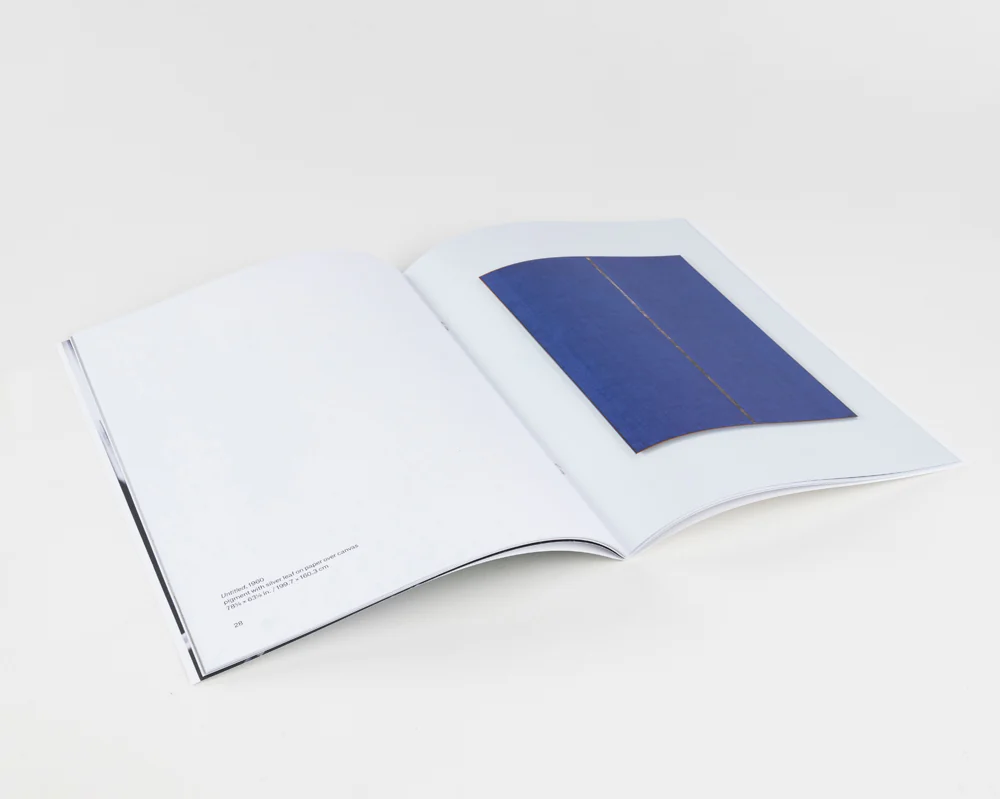
Facing Pages: Two pages that appear side by side in a bound document, such as the left and right pages in an open magazine.
Full Bleed: A design or image that extends to the very edge of the finished page after trimming, with no visible margins.
Greyscale: A color mode that uses only black ink in varying densities to produce shades of gray. Ideal for black-and-white photographs or text-heavy documents where color is unnecessary.
Gutter: The inner margin or blank space between two facing pages. Binding can make the gutter area less visible, so critical text or images should be kept clear of this space.
Margin: The unprinted space between the main content and the edge of the page. Margins help create visual balance and prevent text or graphics from being cut off.
Page (Printed Page): In print terminology, a page refers to one side of a sheet of paper. For example, a two-page document consists of the front and back of a single sheet.
Safe Area: The part of a page where important elements should be placed to prevent them from being trimmed off or lost in the gutter.
Signature: A large sheet printed with multiple pages that is folded, cut, and bound into a section of a book or booklet.
Spread: Two pages that are viewed together as one visual unit, often designed to carry imagery or design elements across both pages seamlessly.
Trim Size: The final size of a printed piece after it has been cut down from the press sheet.
White Space: Any intentionally blank area in a design. White space improves readability and gives visual breathing room, even if the paper itself is not white.
Commercial Printing Terms: Printing
Not all printing methods are the same, and each has strengths depending on run size, quality needs, and turnaround time. Knowing these options helps you select the right approach for your project.
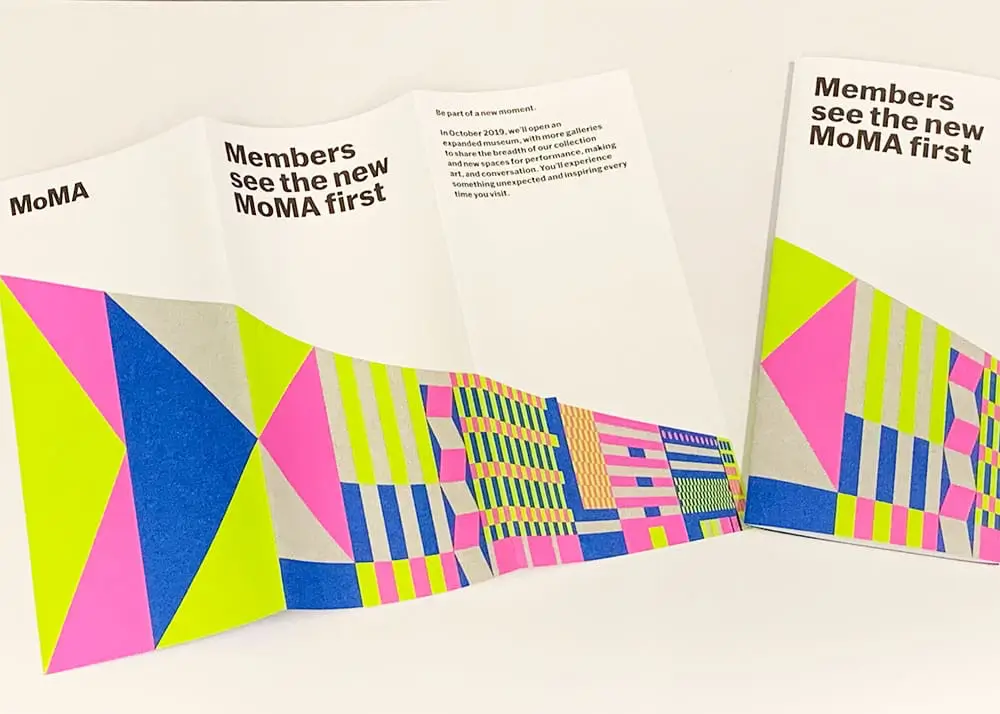
Digital Printing: a modern printing technique that involves directly printing digital images onto various media. Unlike offset printing, it does not require printing plates, making it more cost-effective for short-run jobs and on-demand printing. Digital printing is ideal for projects requiring quick turnaround and variable data printing.
Offset Printing: a traditional printing method where the image is transferred from a plate to a rubber blanket and then onto the printing surface. Offset printing is known for its high-quality output and is commonly used for large-volume print jobs.
Variable Data Printing: A digital printing method that allows for personalized content – like names or addresses – on each printed piece without slowing production.
Commercial Printing Terms: Finishing
Finishing is where your printed piece gets its final touches – whether that’s binding, folding, coating, or decorative enhancements. Understanding these terms lets you choose options that make your piece more durable, engaging, and effective.
Aqueous Coating (AQ): A water-based coating applied to protect the printed surface and enhance appearance. Available in gloss, satin, or matte.
Bind/Binding: The process of joining pages (leafs or signatures) together using wire, glue, stitching, or other methods. Binding is common in booklets, catalogs, and multi-page documents.
Bindery: The department or stage in the print process that handles tasks like folding, collating, trimming, binding, and packaging.
Case Binding (Hardcover): A durable binding method that includes a hard cover, often used for hardcover books.
Collating: Arranging printed sheets in the correct page order before binding.
Creasing: Similar to scoring but often done with heavier pressure, used on thicker stocks.
Debossing: The opposite of embossing, where a design is pressed into the surface to create a recessed effect.
Die Cutting: The process of cutting paper into specific shapes using a custom-made blade or metal die.
Drilling: Punching holes in printed materials, often for use in binders.
Edge Painting: Applying solid color ink or paint to the trimmed edges of a book block or card stack.
Embossing: A process that raises selected portions of a design above the surface of the paper.
Foil Stamping: A finishing technique where metallic or pigmented foil is applied to the paper using heat and pressure.
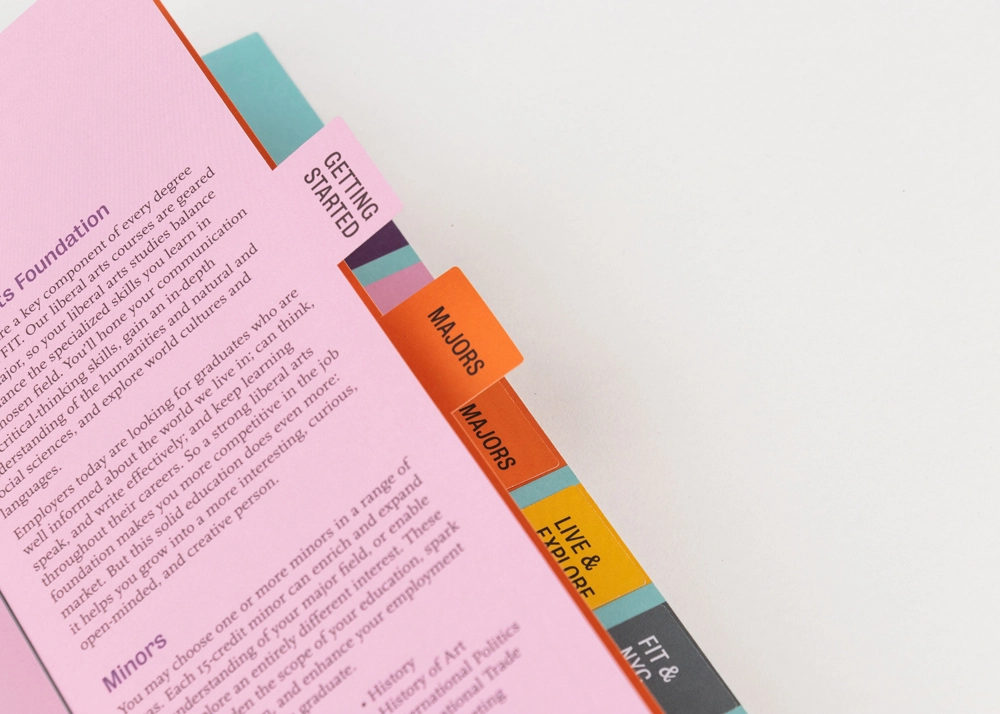
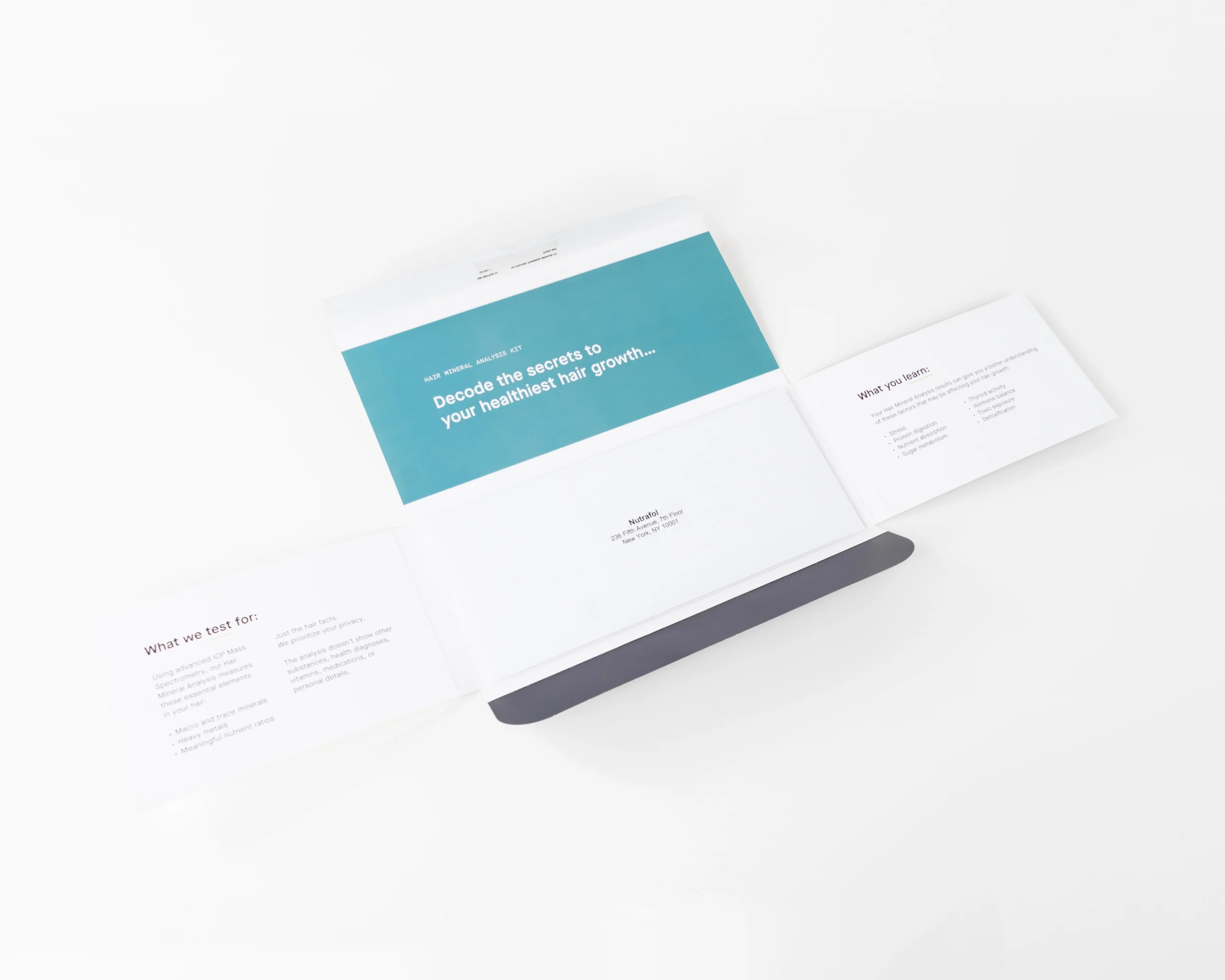
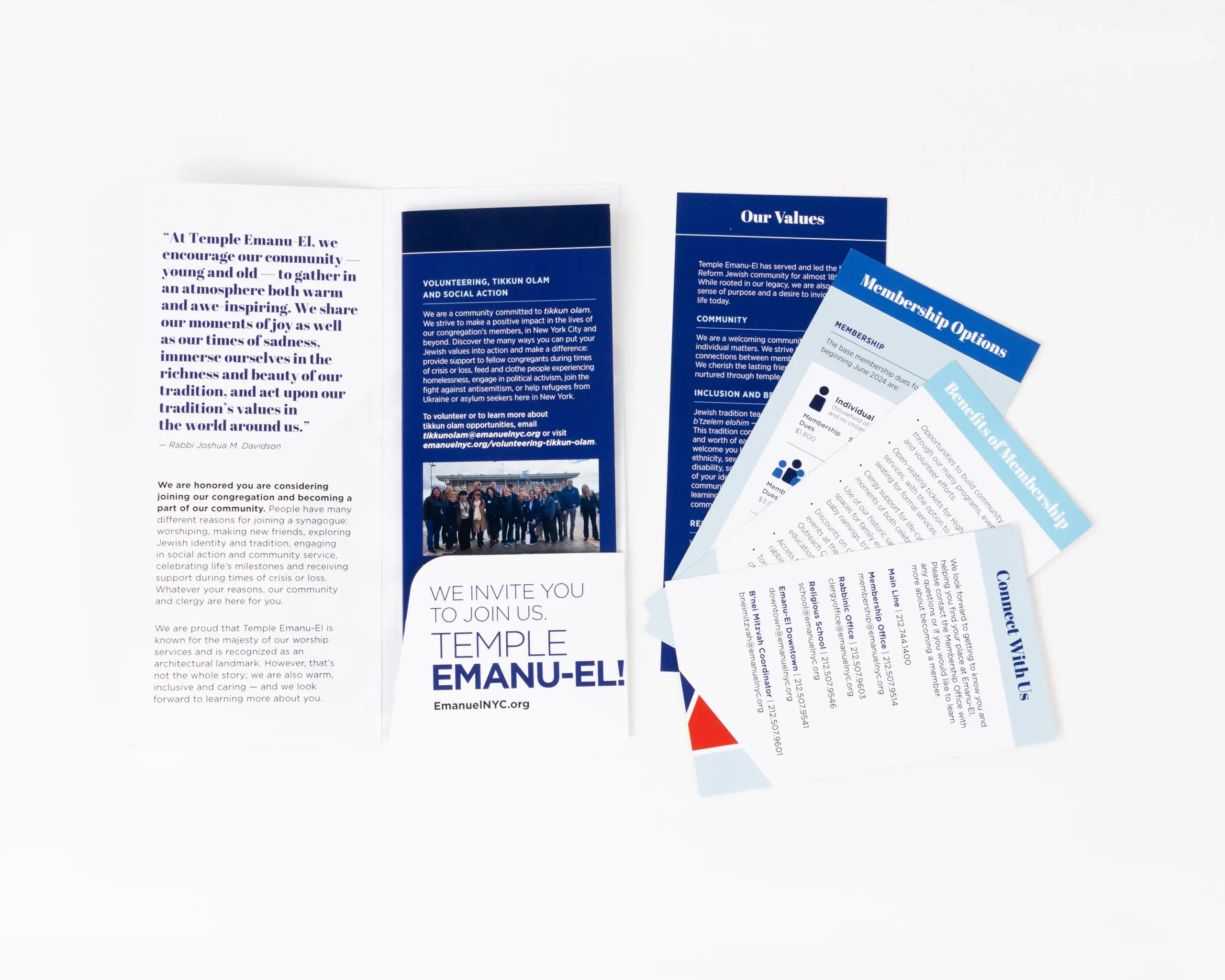
Folding: The act of bending printed sheets into desired configurations (e.g., half-fold, tri-fold, Z-fold).
Gilding: Applying metallic foil, often gold or silver, to the edges of book pages for a decorative effect.
Japanese Binding: Decorative, visible stitching along the spine, often used for art books or limited editions.
Lamination: A plastic coating applied to the surface of a print to increase durability and visual appeal (available in gloss, matte, or soft-touch).
Loop Stitch Binding: Similar to saddle stitch but uses looped staples so the piece can be inserted into a binder without drilling.
Padding: Binding sheets together with a flexible adhesive at one edge, allowing them to be torn off one at a time (e.g., notepads).
Perfect Binding: A binding technique that uses adhesive to hold individual pages to a flat spine. Common for paperback books.
Saddle Stitch: A binding method where folded sheets are stapled through the fold line, often used for booklets and magazines.
Scoring: A crease added to paper to help it fold cleanly without cracking.
Sewn Binding / Smyth Sewn: Pages are stitched together with thread before being case bound; highly durable for long-lasting books.
Shrink Wrapping: Encasing printed products in clear plastic for protection during shipping and handling.
Spiral Binding (Coil Binding): A method using a plastic or metal coil threaded through holes along the spine.
Spot UV: A high-gloss coating applied only to certain areas (like a logo or image) for contrast and emphasis.
Thermography: A raised print effect created by heating resin powder applied to wet ink- often used on stationery.
UV Coating: A high-gloss or matte coating cured with ultraviolet light that covers the entire surface of the piece.
Varnish: A liquid coating applied to printed surfaces to add shine, protection, or texture.
Wire-O Binding: Similar to spiral binding, but uses double-loop wire for a more professional finish.
Bringing It All Together At Thomas Group Printing
Knowing these core terms makes it easier to share your ideas, interpret printer feedback, and choose the right specifications for your project. Clear communication leads to smoother production and results that accurately reflect your vision.
At Thomas Group Printing, our pressroom and prepress teams are here to answer questions, review files, and guide you toward the best materials, finishes, and production methods for your needs. We work with clients of all experience levels to produce high-quality pieces that perform as well in the hand as they do on screen.