Your printed piece is almost ready to go to press. But before production begins, one last step stands between you and a polished final product: reviewing your print proofs. Understanding the print proofing process and knowing what to look for can save you from costly mistakes, delays, and the stress of a reprint. A well-checked proof is the key to a successful print job.
What Is a Print Proof?
A print proof is a final mock-up of your job before it enters production. It shows how your piece will appear once printed and gives you the opportunity to review layout, copy, color, and specifications. A proof helps identify any errors or inconsistencies that may have slipped through earlier drafts. Reviewing a proof gives both client and printer a clear agreement on what will be produced, reducing the risk of reprints.
Digital vs. Physical Proofs
There are two main types of proofs: digital and physical (or hard copy).
Digital proofs are PDFs or soft copies you receive via email or download link. They’re fast and cost-effective, ideal for checking layout, content, and design. These are commonly used for most commercial print jobs and are sufficient in many cases.
Physical proofs are printed samples. These are most helpful when you need to confirm color accuracy, paper choice, finishing techniques, or die cuts.
While they take more time and cost more, they can prevent major surprises. They are especially valuable for projects with specialty inks, uncoated stocks, foil stamping, embossing, or complex binding.
Why Do Printers Send Proofs?
A proof is your last chance to review and approve all aspects of your project before it moves to final production. It’s sent to give you control over quality and accuracy. Reviewing a print proof allows you to:
- Catch typos or design errors
- Confirm specs like size, quantity, paper stock, and finishing options
- Approve layout, page order, folds, and bleeds
- Double-check any technical details like fonts, image quality, or die lines
Print proofs reduce the chance of miscommunication and allow both parties to agree on the final product. They also serve as a reference in case of any quality issues down the line.
Common Print Proof Errors to Avoid
- Forgetting to include bleed or safe zones
- Missing or substituted fonts (How To Embed Fonts)
- Low-resolution or unlinked images (How To Check And Change The DPI Of An Image)
- Overlooking minor typos or incorrect contact details
- Files set to RGB mode (How To Convert RGB to CMYK)
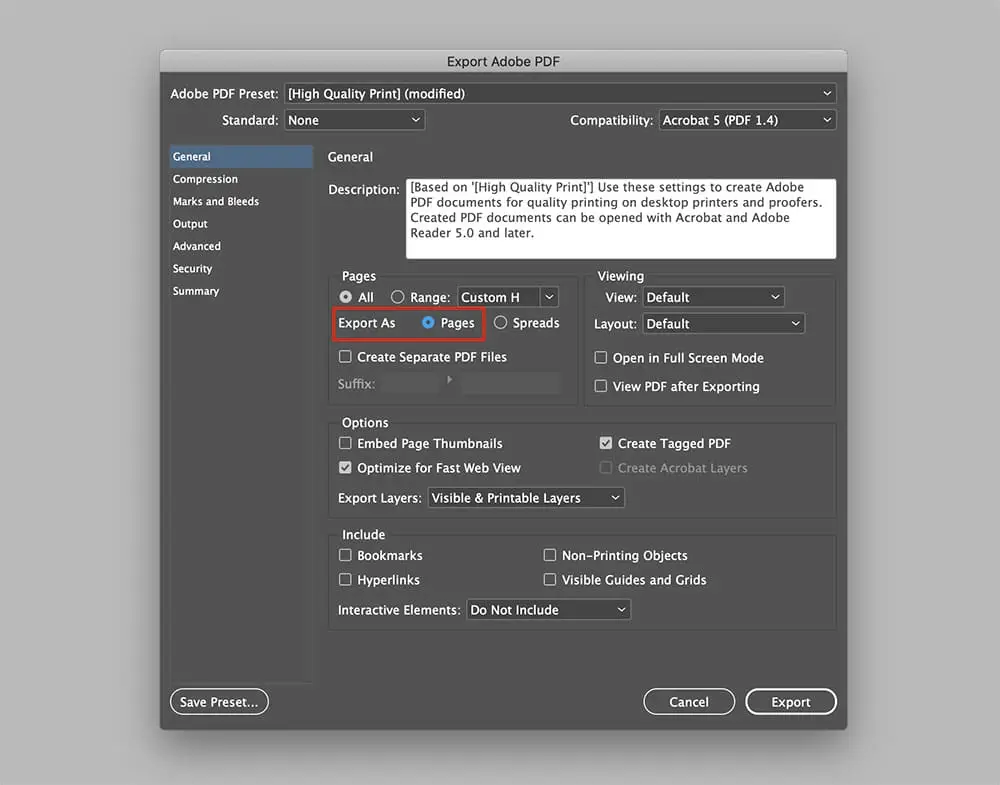
- Not exporting your PDFs as single pages
Thomas Group Printing offers free, customizable templates for our most popular products that help you avoid many of these prepress errors. How To Use And Customize Our Free Templates.
Download a free starter file
Getting started on a print design project? Download one of our free starter files to eliminate some of the technical guess-work of setting up your file. Our starter files are pre-sized for common document types and include proper bleed and color space settings to help you avoid common design pitfalls.
Starter file options are loading.
How To Check a Proof
When reviewing print files before printing, accuracy is everything. Open your file on a desktop computer (not a phone or tablet), and ideally view it in the same program used to create it. Avoid using browser previews, as they often display colors and formatting inaccurately.
If color fidelity is crucial, use a calibrated monitor and make note that final color will depend on paper stock and any paper coatings you might choose.
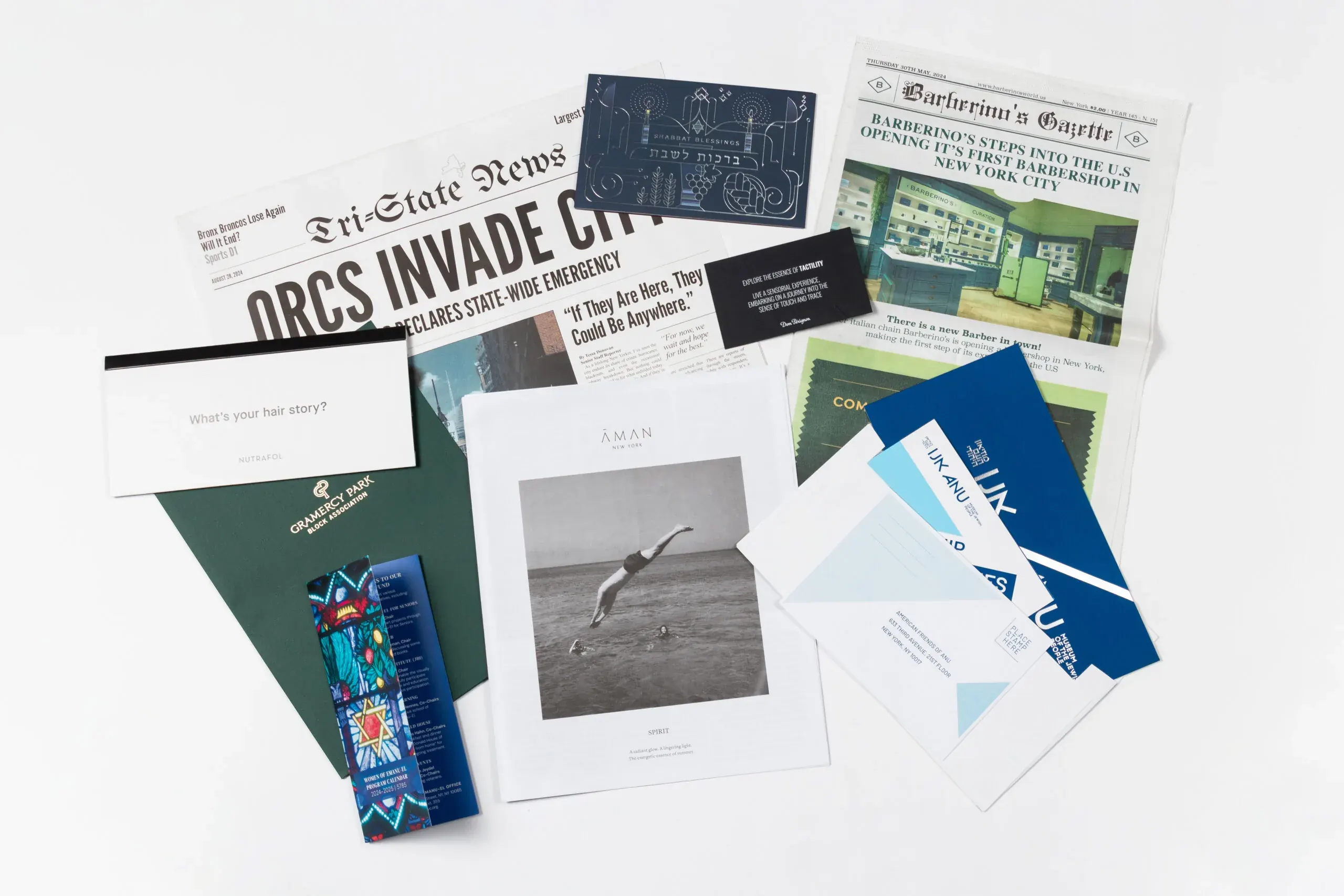
What To Look For In A Print Proof Online: Print Proof Checklist
Set aside some time to review your proofs so you don’t feel rushed through the process. Take your time and review one aspect at a time for the best chance of catching any errors before going to press.
Specs
Compare the proof to your order details. Check for paper type, page count, ink colors (CMYK or spot colors), finishes, binding, and quantities. Make sure all specifications align with your original job submission or quote.
Accuracy
Review the layout and compare it against your final artwork. Are all elements accounted for? Are logos, brand colors, and spacing correct? Pay attention to visual hierarchy and layout consistency.
Bleeds
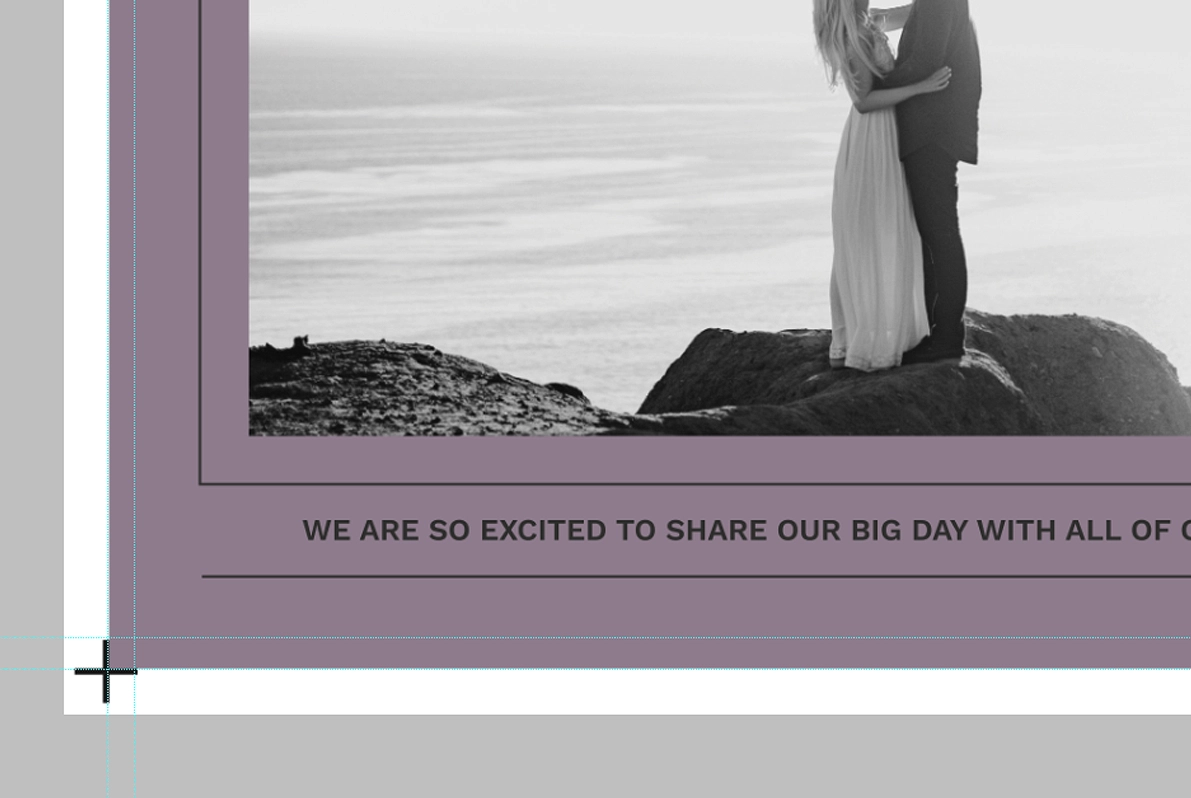
If your publication has bleed, check that colors and images extend at least 1/8″ beyond the trim edge. This prevents unwanted white edges when trimmed. If you see white slivers around full-bleed elements, the file may not be set up correctly.
Size and Trim
Verify final dimensions. Is the trim size accurate? For folded pieces like brochures or mailers, confirm panel widths and fold positions are correctly aligned. For perfect-bound or saddle-stitched books, check that margins and alignment match your expectations.
Page Order
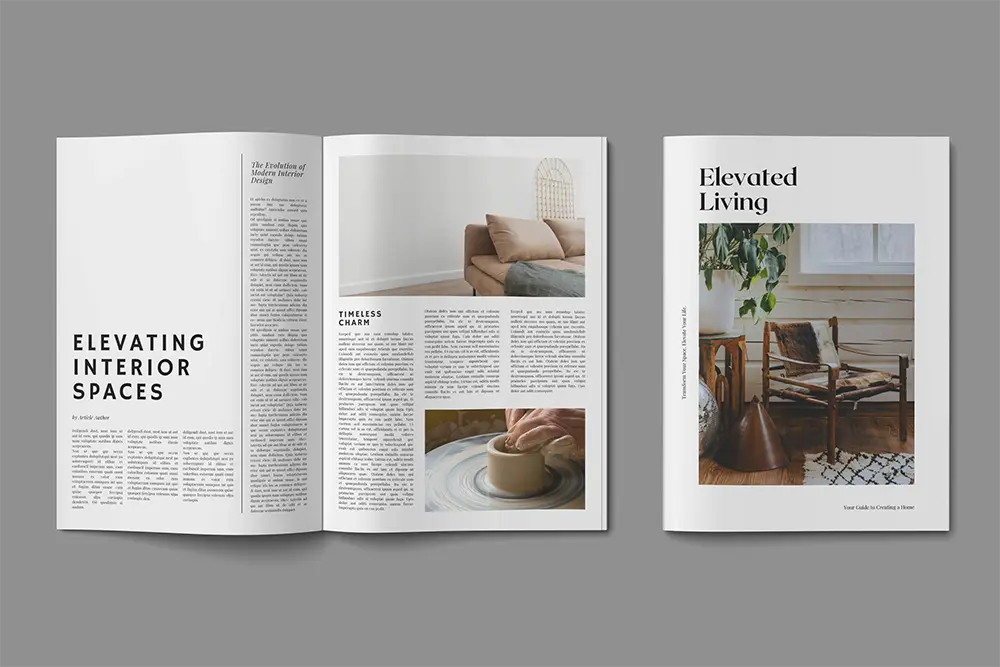
For multi-page documents, verify sequencing. Look out for misplaced spreads or reversed pages. It’s helpful to view your proofs in spreads if your layout is designed that way.
Folds, Die Cuts, and Perforations
Review fold lines, perforations, and die lines. These should be correctly placed and clearly marked. Misaligned folding or perforation can ruin usability and aesthetics.
Positioning
All key elements – especially text – should be well within the safe zone (at least 1/8″ inside the trim). Nothing important should sit too close to edges or into the gutter (for bound materials). Review the position of headers, footers, page numbers, and margin alignment.
Fonts
Make sure all fonts appear correctly. Watch for font substitution errors, missing characters, or formatting shifts. If you used special fonts, verify they’re embedded in the file or provided with your source files.
Images
Inspect each image. Are they crisp and properly positioned? While digital proofs may be low-resolution, glaring issues will still be visible. Consider image brightness and contrast, particularly if printing on uncoated paper where details can get lost.
Color
Review color blocks and photos. While digital proofs are not always a perfect color match, they should be close. If you’re working with Pantone colors or have strict branding requirements, a physical proof is recommended. Always specify if you’re expecting spot vs. four color process.
Content
Run a full final proofread. Double-check spelling, grammar, contact info, URLs, dates, and legal disclaimers. Don’t rely solely on spellcheck. Review headers and callouts as well as body text.
Get a Second Set of Eyes
Having someone else review your proof often reveals overlooked issues. Ideally, ask a colleague not directly involved in the design of the project to provide a fresh perspective.
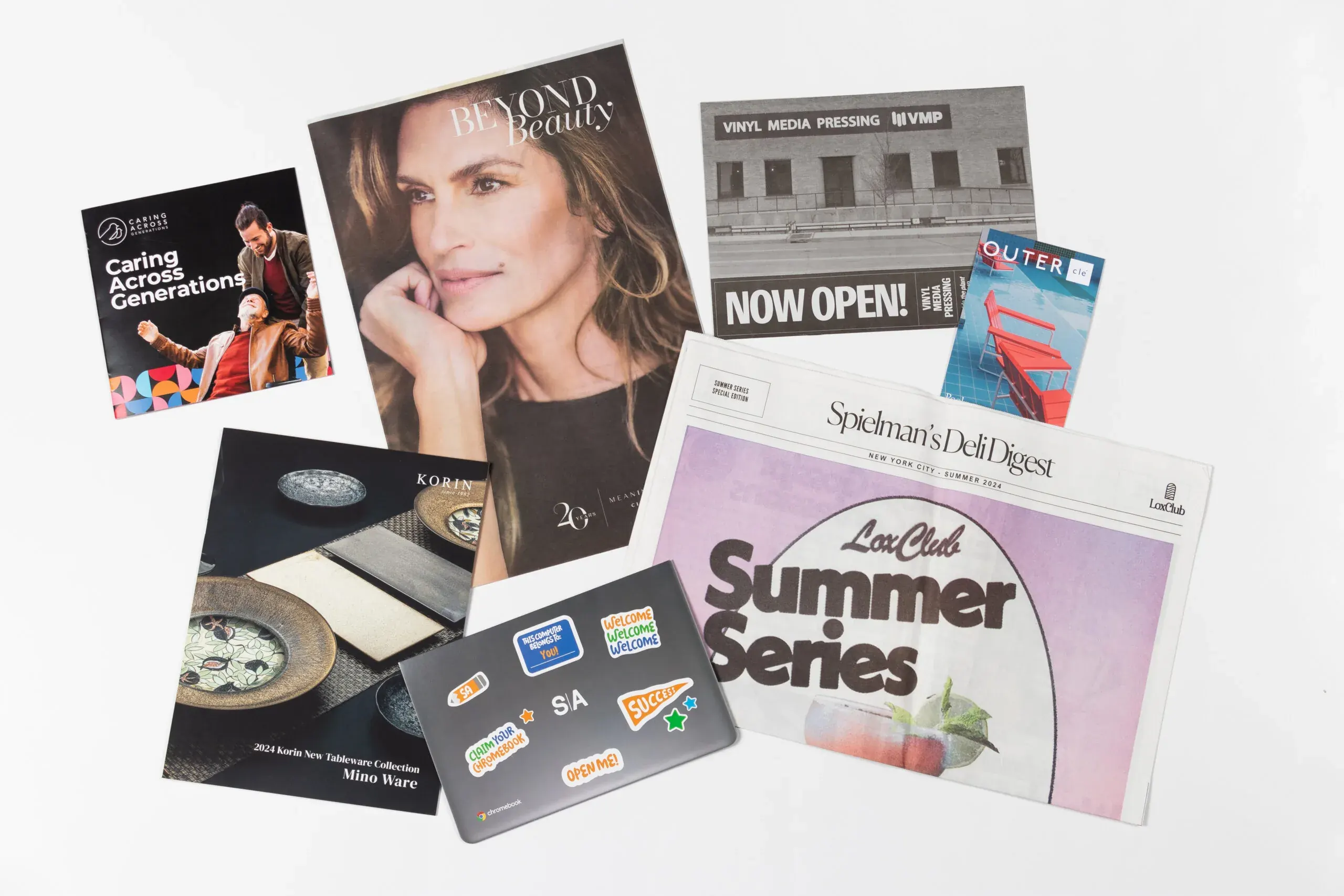
Print Proof Checklist by Product Type
Not all printed materials are created equal, and that means your proofing approach shouldn’t be either. Different formats come with their own technical considerations and production nuances.
Understanding how each type of piece should be reviewed helps you catch issues early, and avoid surprises once your job comes off press.
Books, Magazines, Catalogs
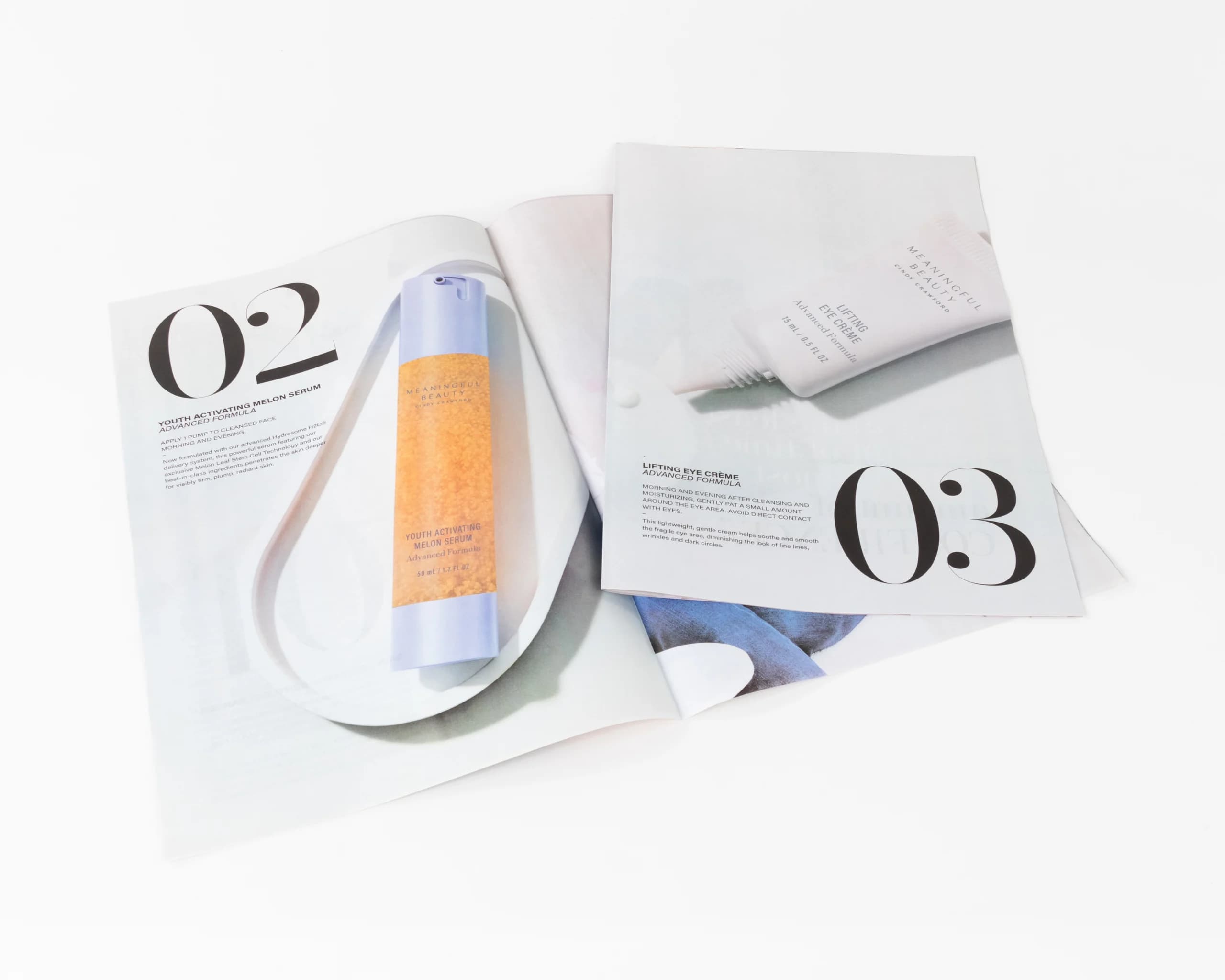
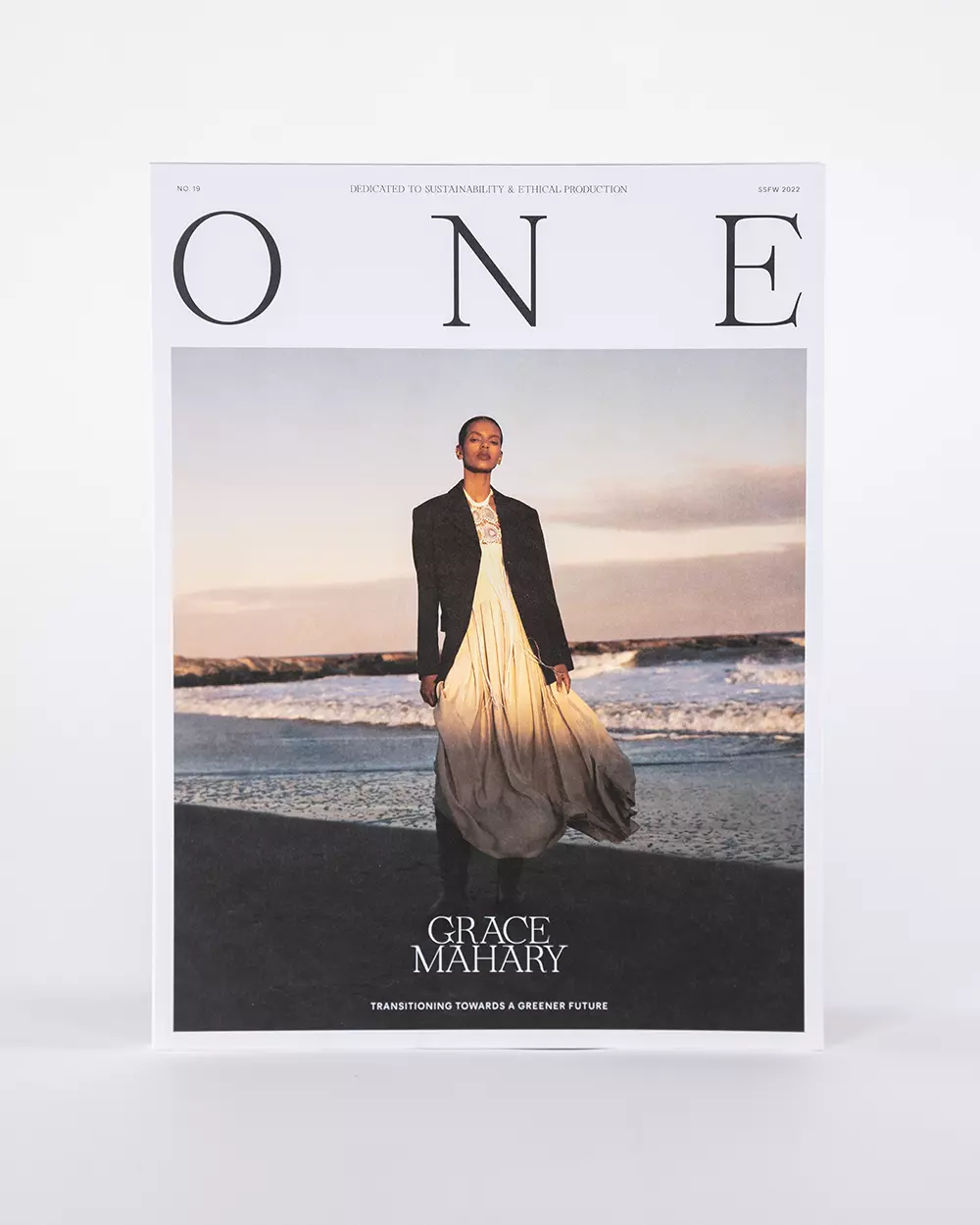
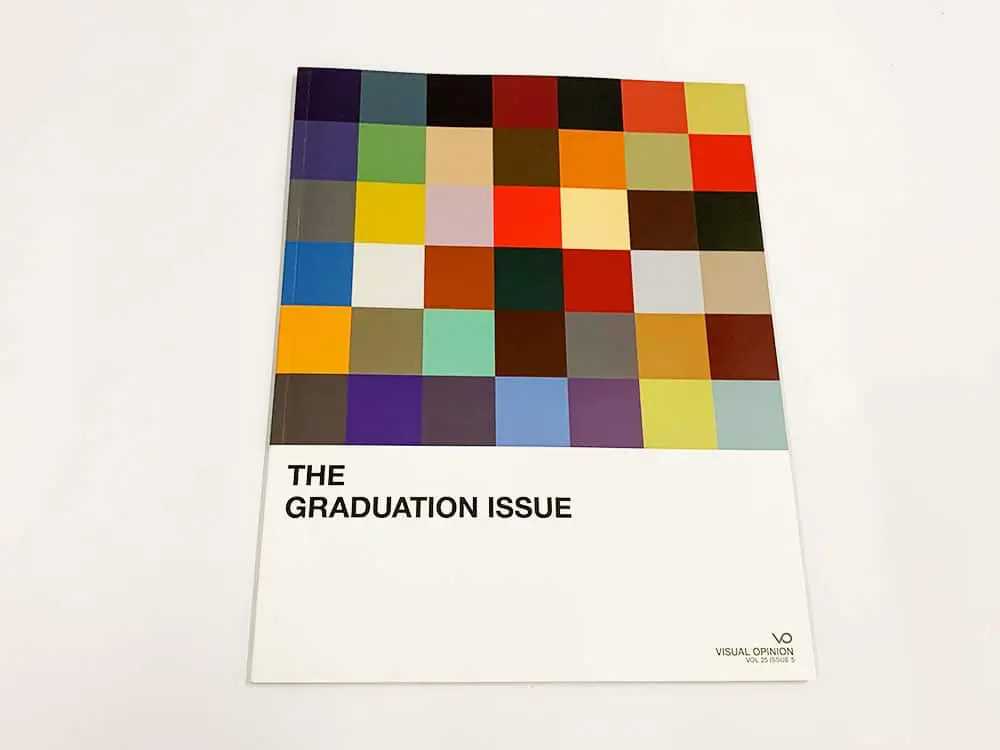
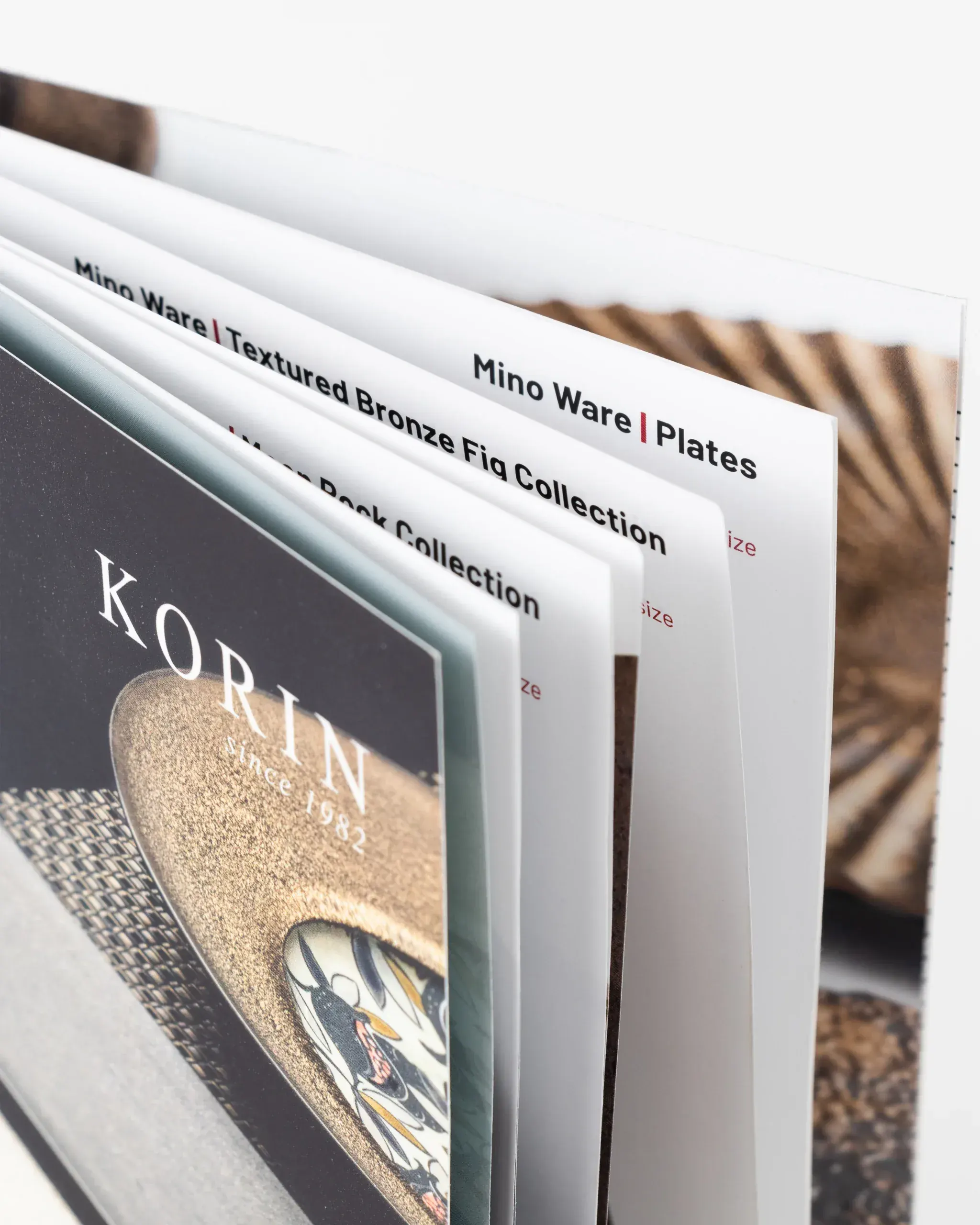
On bound publications like Books, Magazines, Catalogs, verify page count is divisible by 4 if saddle stitched or divisible by 2 for perfect bound; double-check spreads and binding margins. Review imposition for saddle-stitched books to confirm that facing pages appear as intended. For perfect-bound books, watch for content disappearing into the spine if margins are too narrow.
Newspaper
Review black ink density to prevent muddy images; keep total ink coverage below recommended thresholds to avoid show-through. Avoid heavy solids and reverse text on newsprint pieces. Use sharp images with good contrast to retain clarity on absorbent, uncoated stock.
Brochures
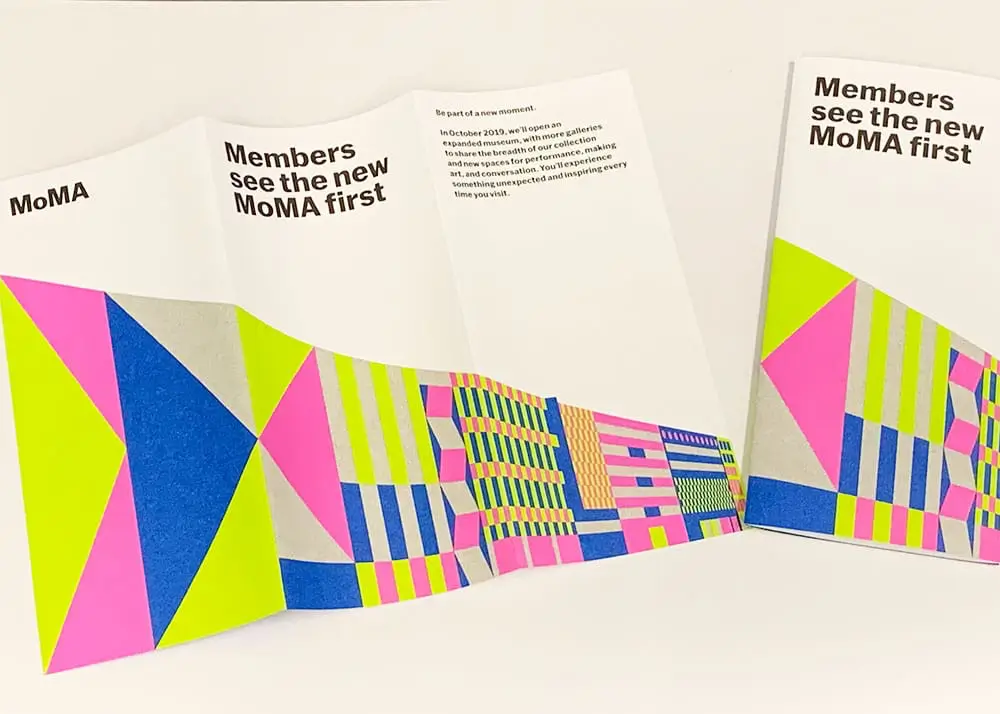
Carefully check brochure panel widths for folded designs (trifold, gatefold, accordion). Panels should be set up to fold correctly without overlapping content or causing alignment issues. Confirm text doesn’t straddle folds awkwardly and that any bleed extends fully across fold edges. Review both interior and exterior sides to ensure orientation and panel order make sense when folded.
Postcards
Confirm your postcard design meets USPS size and aspect ratio guidelines for automation rates. Ensure address blocks, postage indicia, and barcodes are clear and properly placed. Check that glossy coatings or UV varnish won’t interfere with inkjet addressing.
Packaging
Confirm dielines are properly aligned and visible on all packaging print jobs. Check for clear space around fold lines, glue areas, and cutouts. Review layout at 100% scale and confirm critical content isn’t placed near creases or cut areas. Make sure barcodes and regulatory info are legible.
Large Format Prints
For large format prints like banners and wall decals, it’s important to review resolution at print size – small flaws get magnified. Confirm color settings match the output device profile. Confirm that the design doesn’t rely on overly small text or fine lines that may blur at scale.
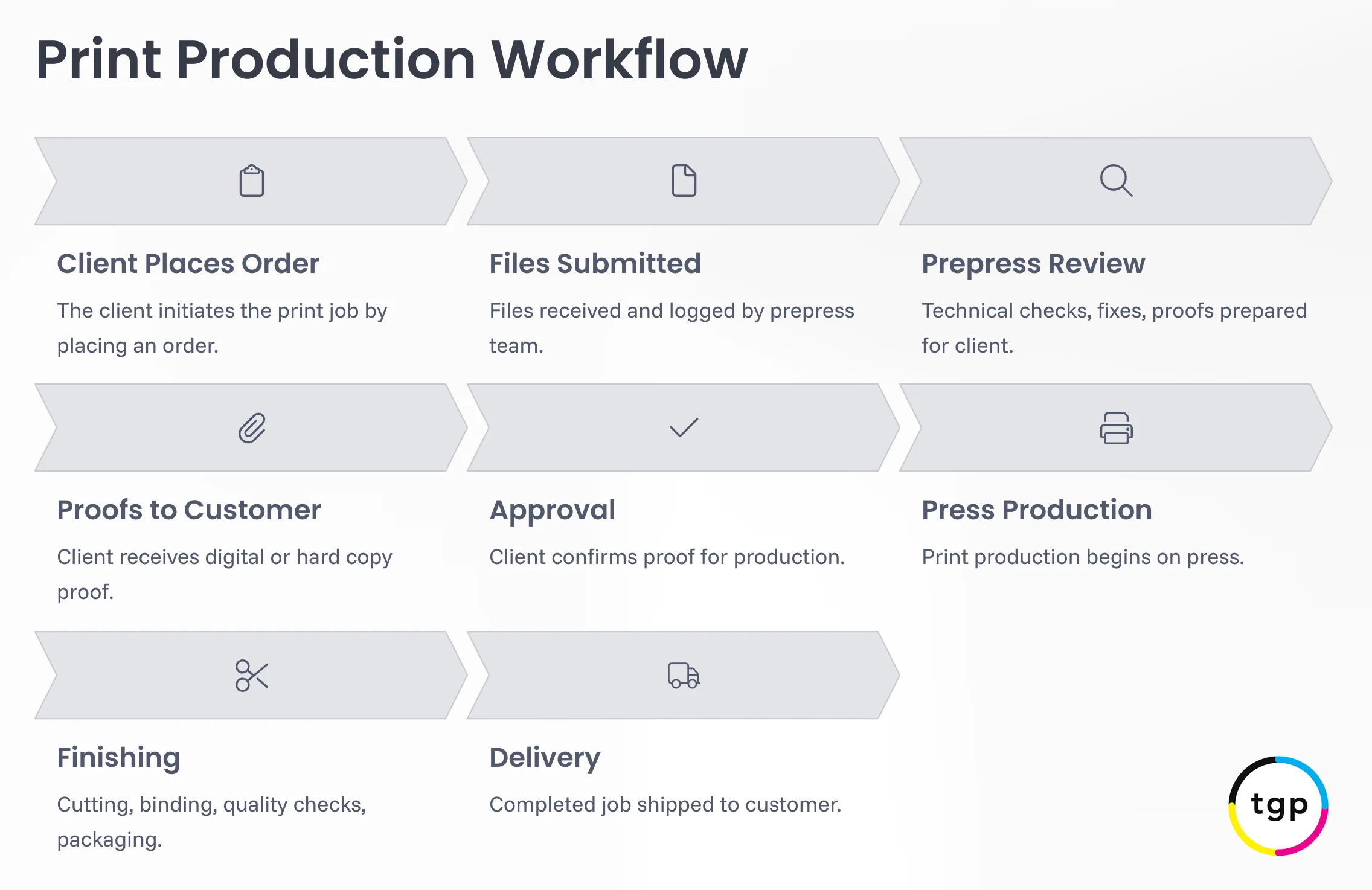
How To Approve A Print Proof
Once you’ve carefully reviewed your proof and are confident everything is accurate – layout, content, colors, and specifications – it’s time to give your formal approval to move forward with production.
We recommend using clear, direct language when you approve, such as: “Approved” or “Approved to print as shown.” This helps avoid any confusion.
Your approval tells us that the file is ready to print exactly as presented. After this point, any uncorrected issues in the proof become part of the final piece, so it’s worth double-checking all details before moving ahead.
How To Communicate Revisions to Your Printer
In your email, please be specific and concise. Refer to page numbers and, when practical, let us know what kind of change each one is: text, visual alignment, image replacement, or a spec adjustment. This makes it easier for our team to implement updates accurately.
Providing organized, easy-to-follow feedback helps move your job forward without delays or misunderstandings.
Clear feedback reduces turnaround and avoids repeated revisions.
How To Request a Printed Proof
Digital proofs are the default in today’s fast-paced process. Physical printed proofs will impact your turnaround time, but if you want the peace of mind of physical proofs, just let your contact at Thomas Group know when submitting your files.
For critical or large print jobs, requesting a printed proof is smart quality control. At Thomas Group Printing, we offer hard proofs for clients who want to check final output on the actual stock, see true color output, or verify specialty treatments.
How Proofs Affect Timelines
Digital proofs are fast, often available the same day you submit your files. Hard / printed proofs add 1-3 business days, plus shipping. Each revision adds time. Plan your schedule accordingly and account for internal reviews.
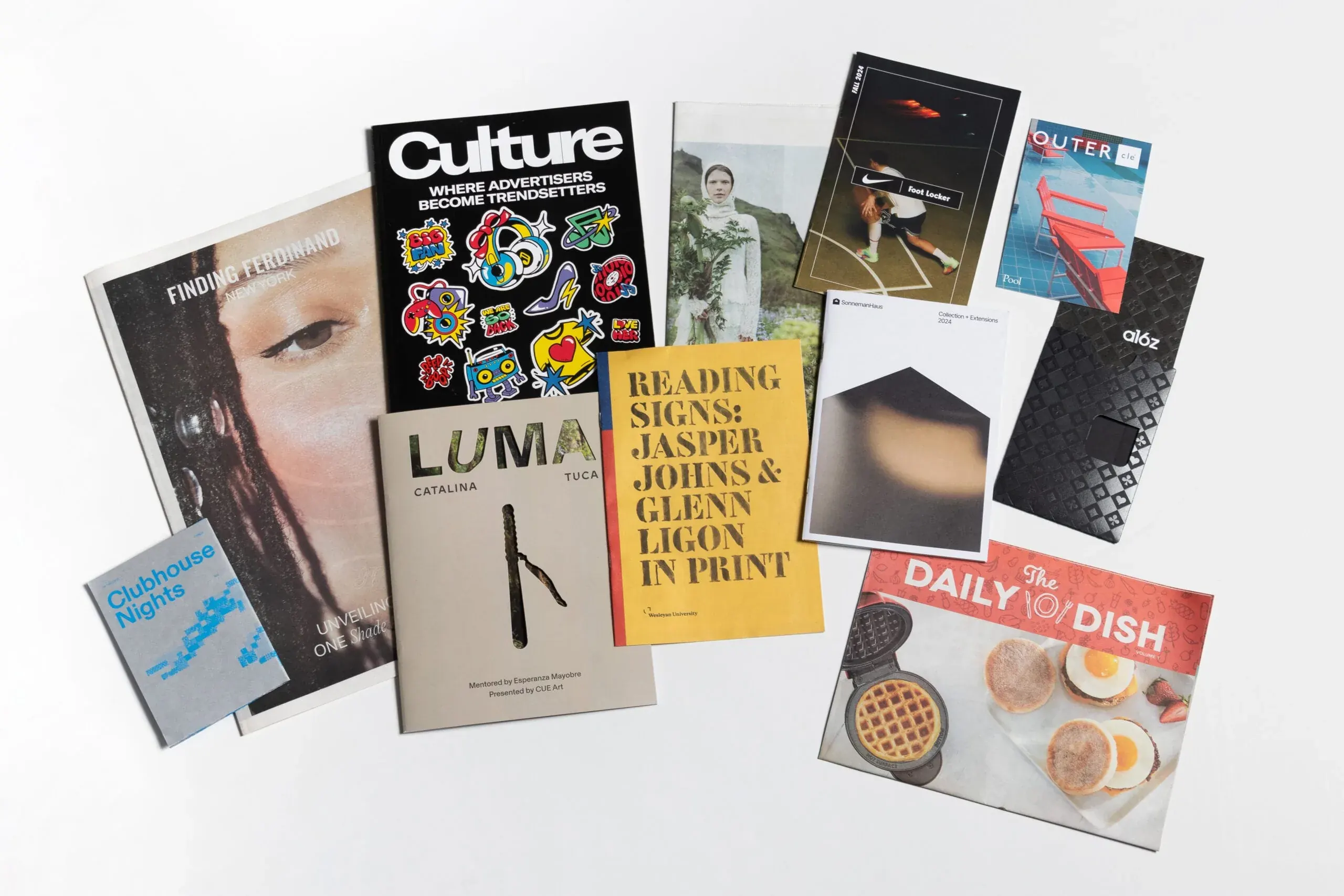
Reviewing Your Proofs
Approving a digital or printed proof with confidence starts with a careful, structured review. Whether you’re working with digital or physical samples, the time you spend reviewing your proof is time saved avoiding problems later.
At Thomas Group Printing, our experienced team is available to walk you through the printing process and answer any questions about your files. From digital proofs to color-calibrated hard copies, we work with you to produce results that match your expectations.
If you’re preparing for your next print run and want to avoid guesswork, reach out. We’re here to make your project print-ready and press-perfect.
Print design education, delivered monthly. Join our email list:
Sign up for practical print design and production tips from the Thomas Group Printing team.